Changing Your Wi-Fi Network
This guide will help you connect your kiosk or display device to a different Wi-Fi network or update the Wi-Fi password.
- Reboot the device. You can do this by unplugging it from power, waiting 10 seconds, and plugging it back in.
- Wait for the kiosk startup screen to appear. This can take a few seconds.
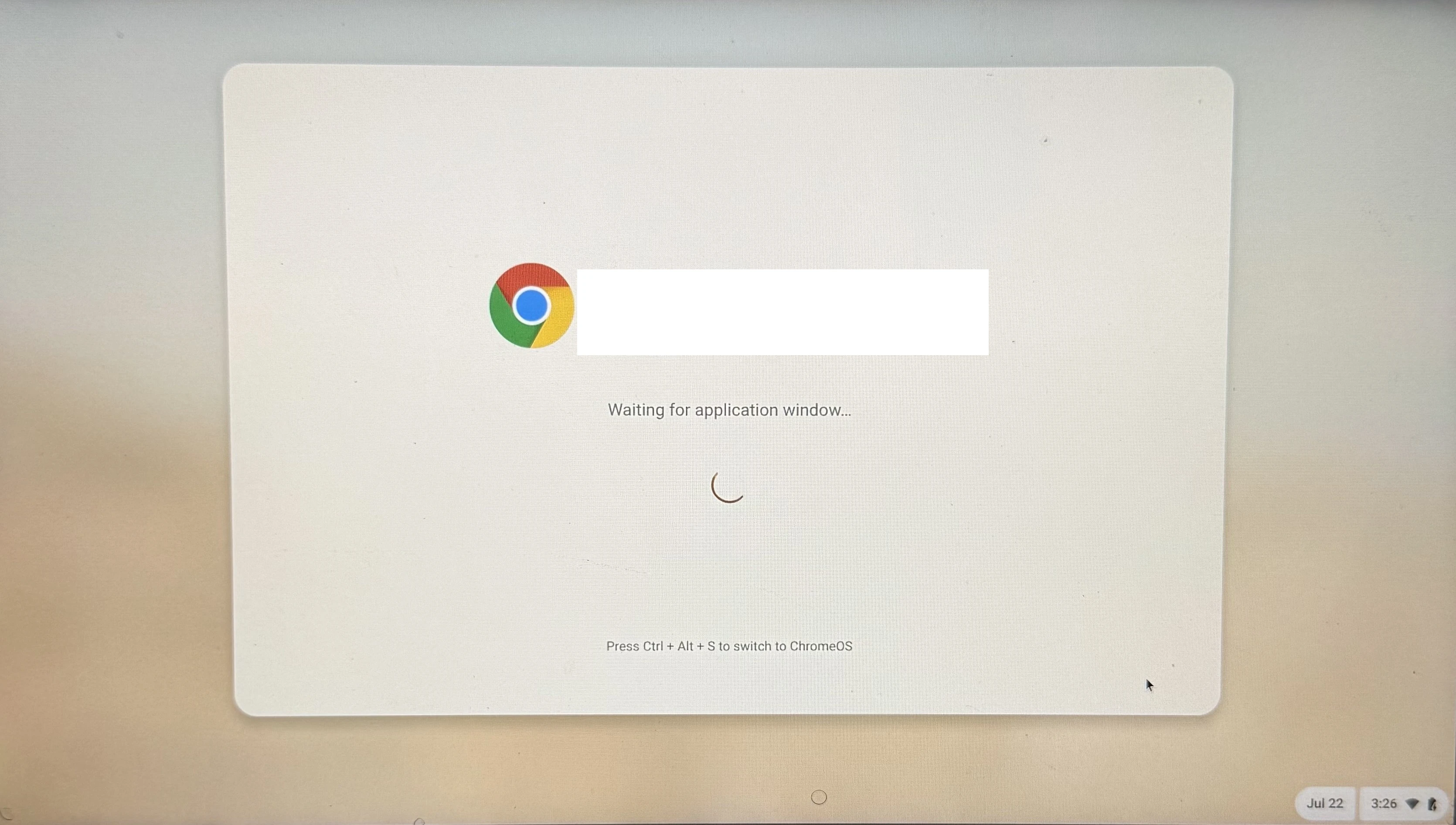
- As soon as the startup screen appears, press and hold CTRL+ALT+S on the keyboard.
- Once the startup screen disappears, release the keys.
- You can now access the Wi-Fi settings menu in the bottom right corner of the screen.
- When you are done updating the Wi-Fi settings, reboot the device again to test your changes and return to kiosk mode.